LumiCloud/Create Archive Events and Merge Files: Difference between revisions
From Luminys WIKI
Techsupport (talk | contribs) Created page with "= <div class="center">LumiGuardian - Archive and Merge Events in the End User Portal</div> = ===Description=== This tutorial will go over how to archive and merge events in the end user portal. ===Prerequisites=== * Access LumiCloud web interface on a computer. ===Video Instructions=== <youtube>https://www.youtube.com/watch?v=69q7vae3akA&ab_channel=LuminysSystemsCorporation</youtube> ===Step by Step Instructions=== 1. Select an event from the Event list to archive i..." |
(No difference)
|
Revision as of 14:12, 27 May 2025
LumiGuardian - Archive and Merge Events in the End User Portal
Description
This tutorial will go over how to archive and merge events in the end user portal.
Prerequisites
- Access LumiCloud web interface on a computer.
Video Instructions
Step by Step Instructions
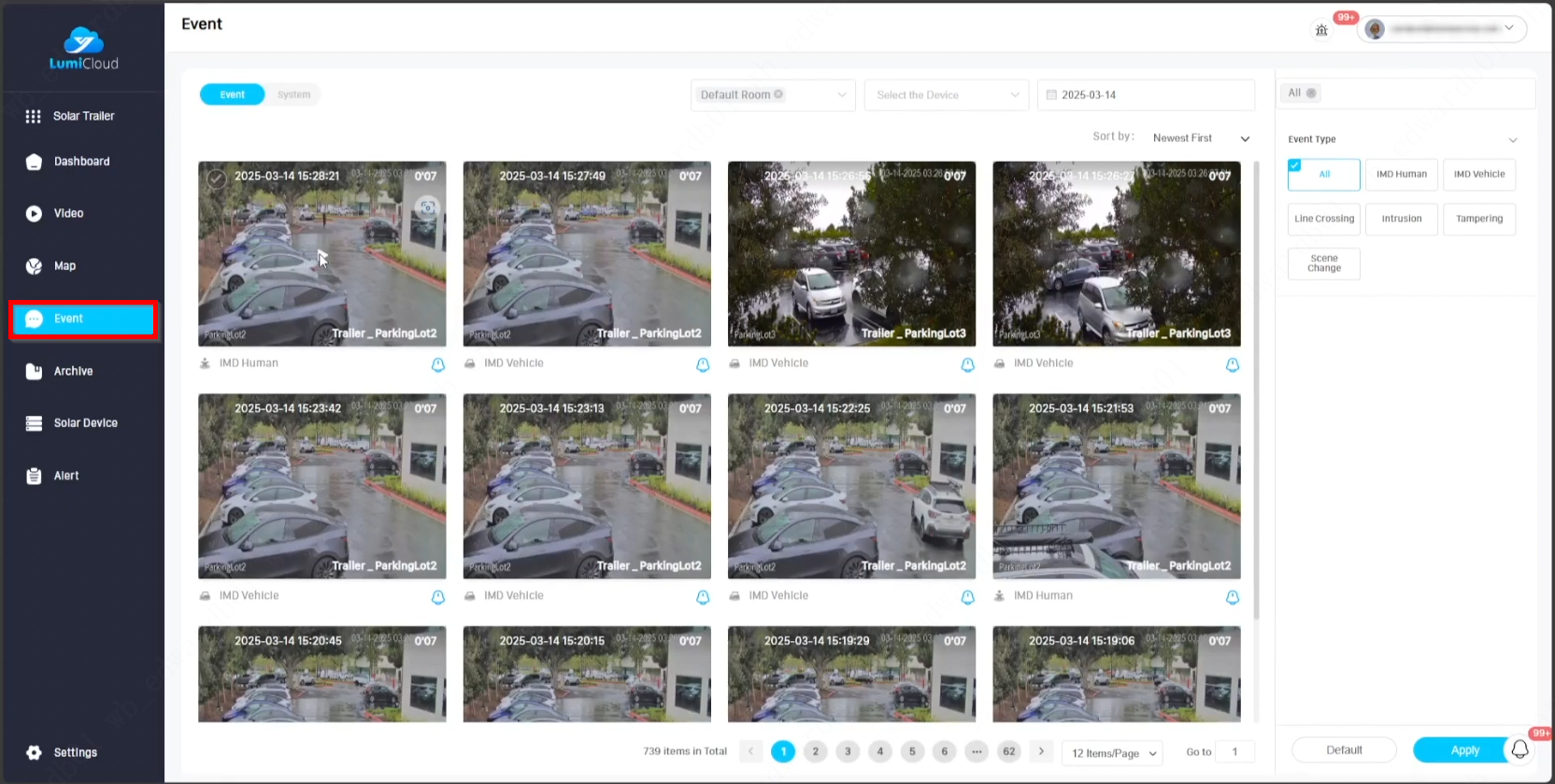
1. Select an event from the Event list to archive it.
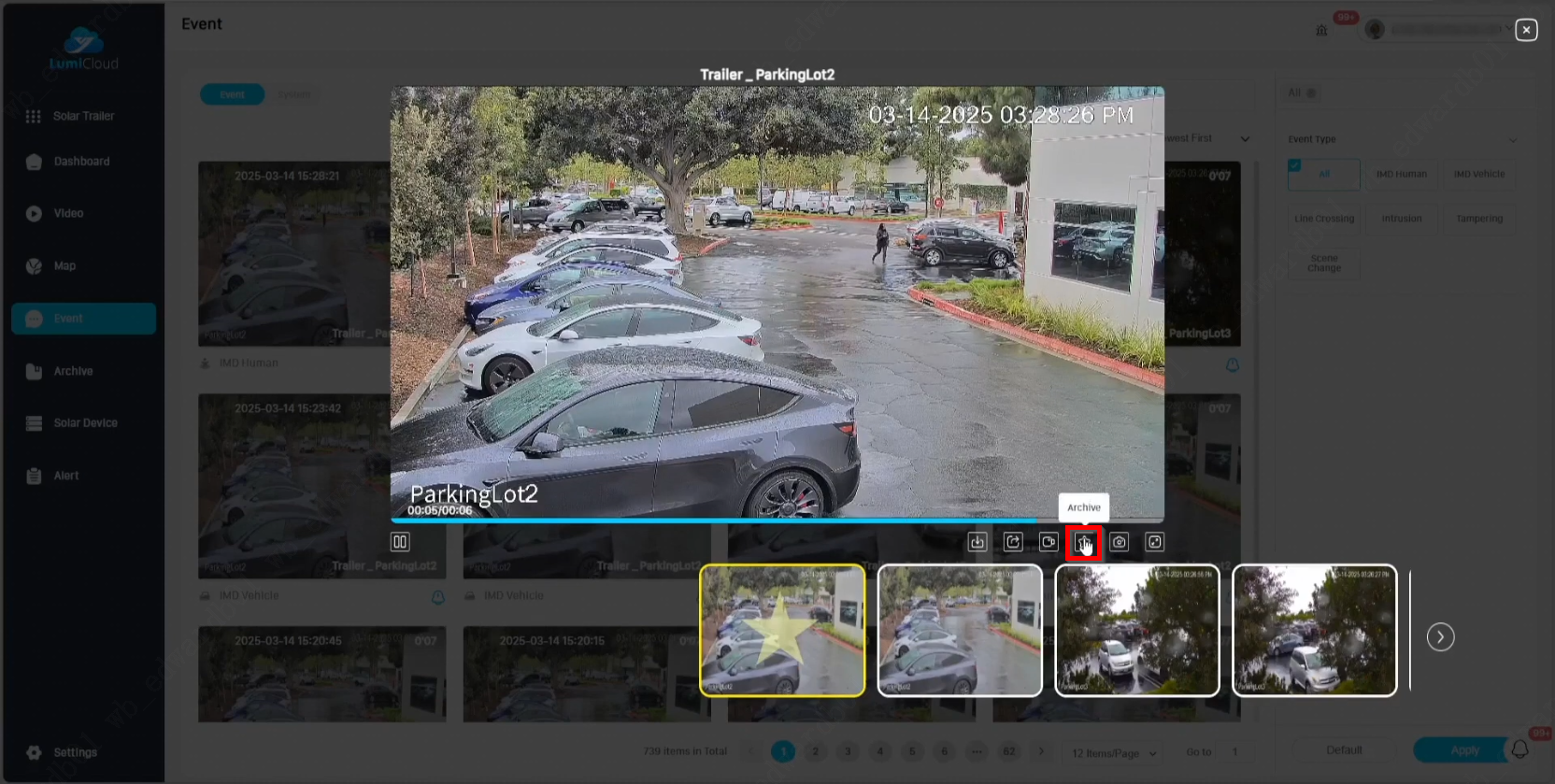
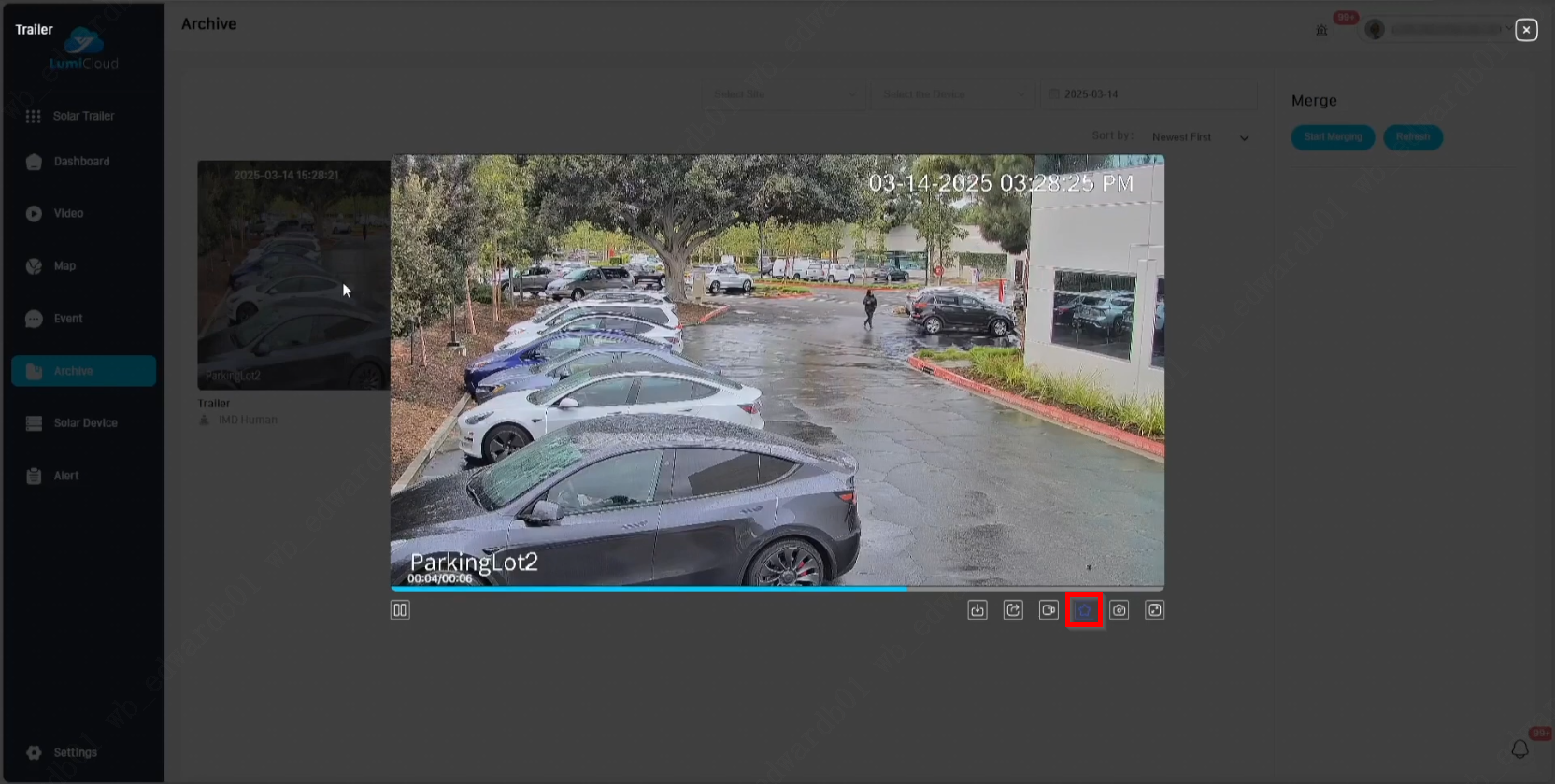
2. Select the Archive button to archive the event.
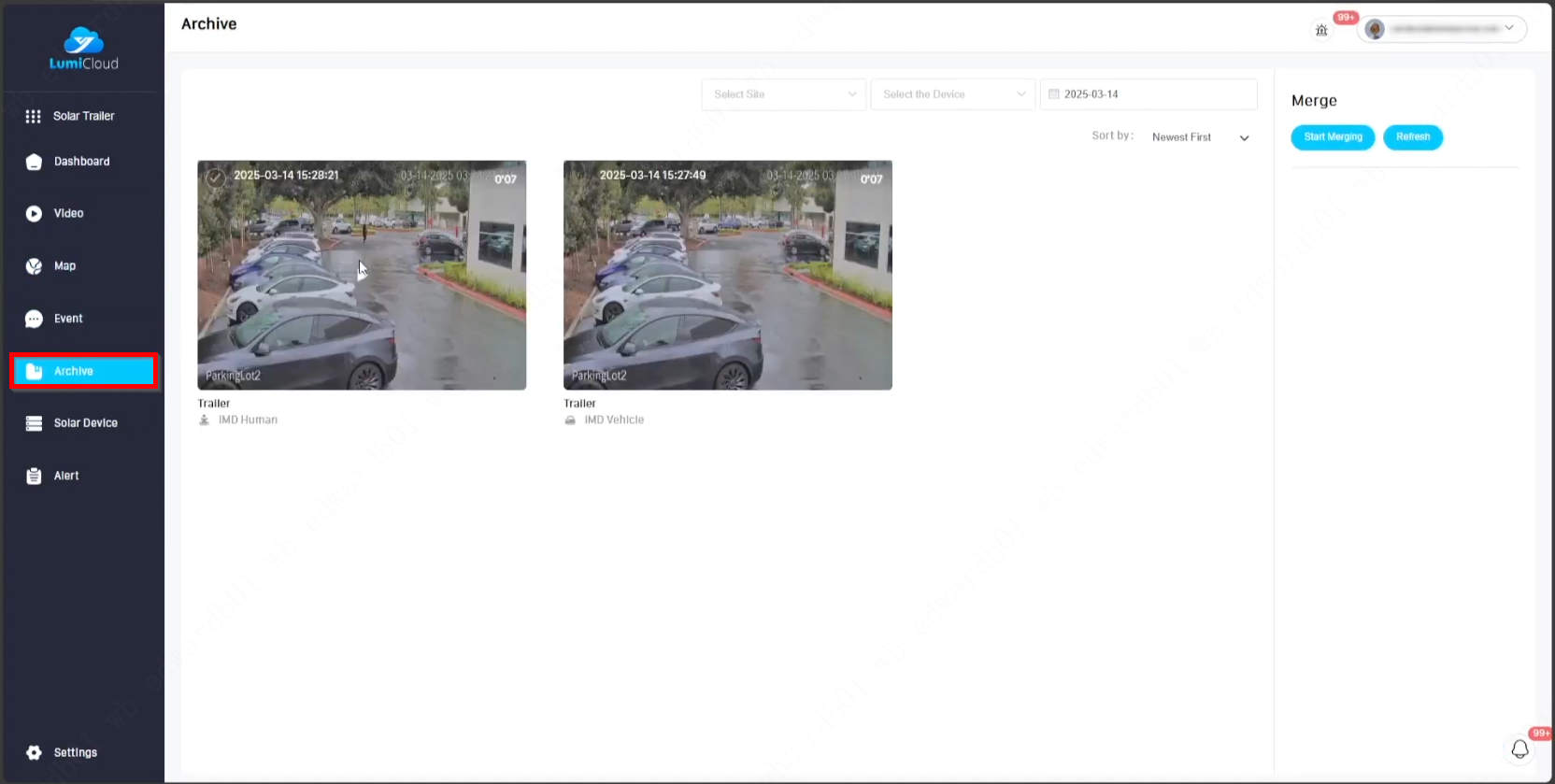
3. Select Archive from the left panel to view archived events.
4. Select an archived event and click the Archive button again to unarchive it.
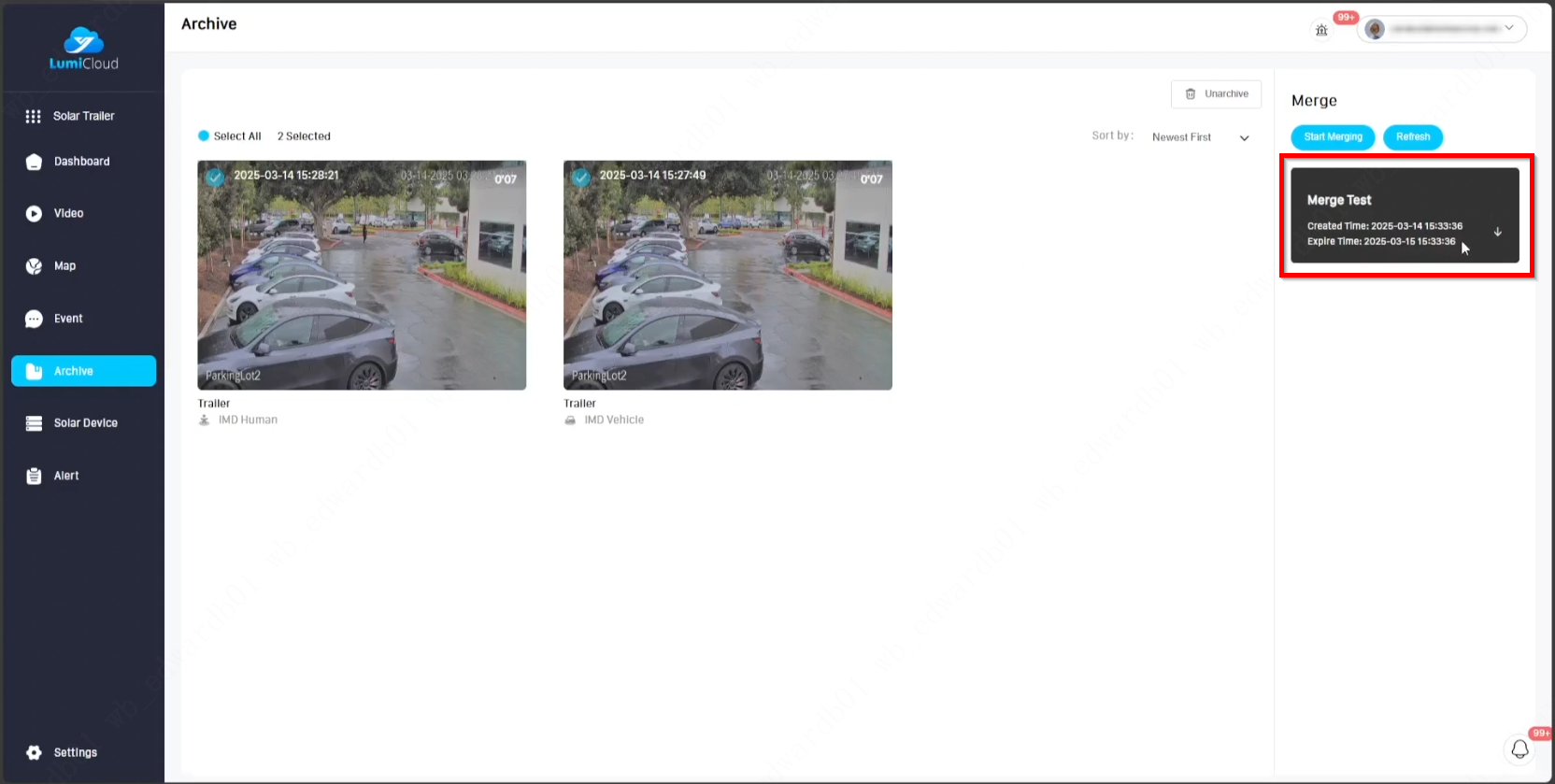
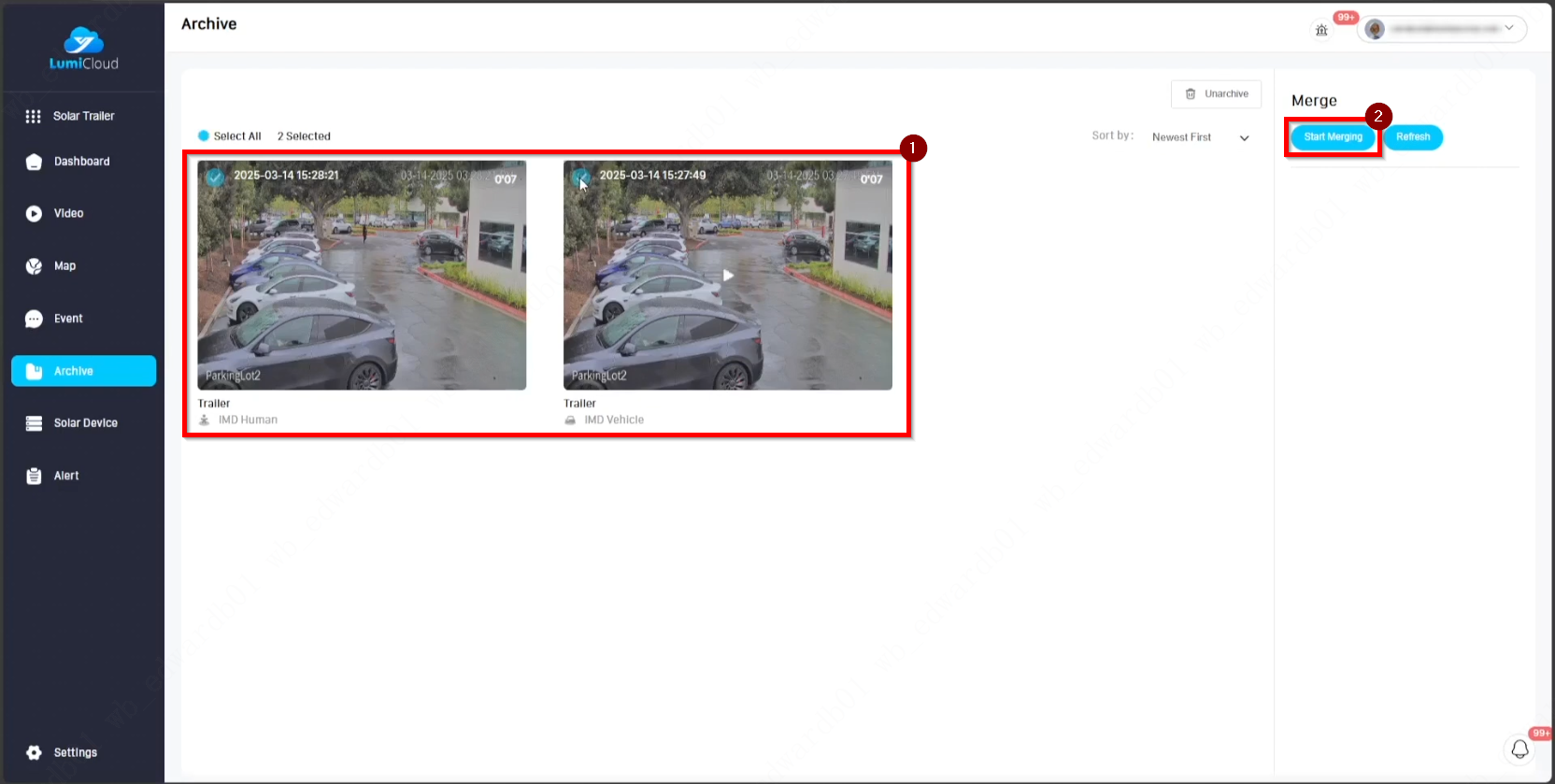
5. Select the events to be merged, then click Start Merging on the right side to begin the merging process.
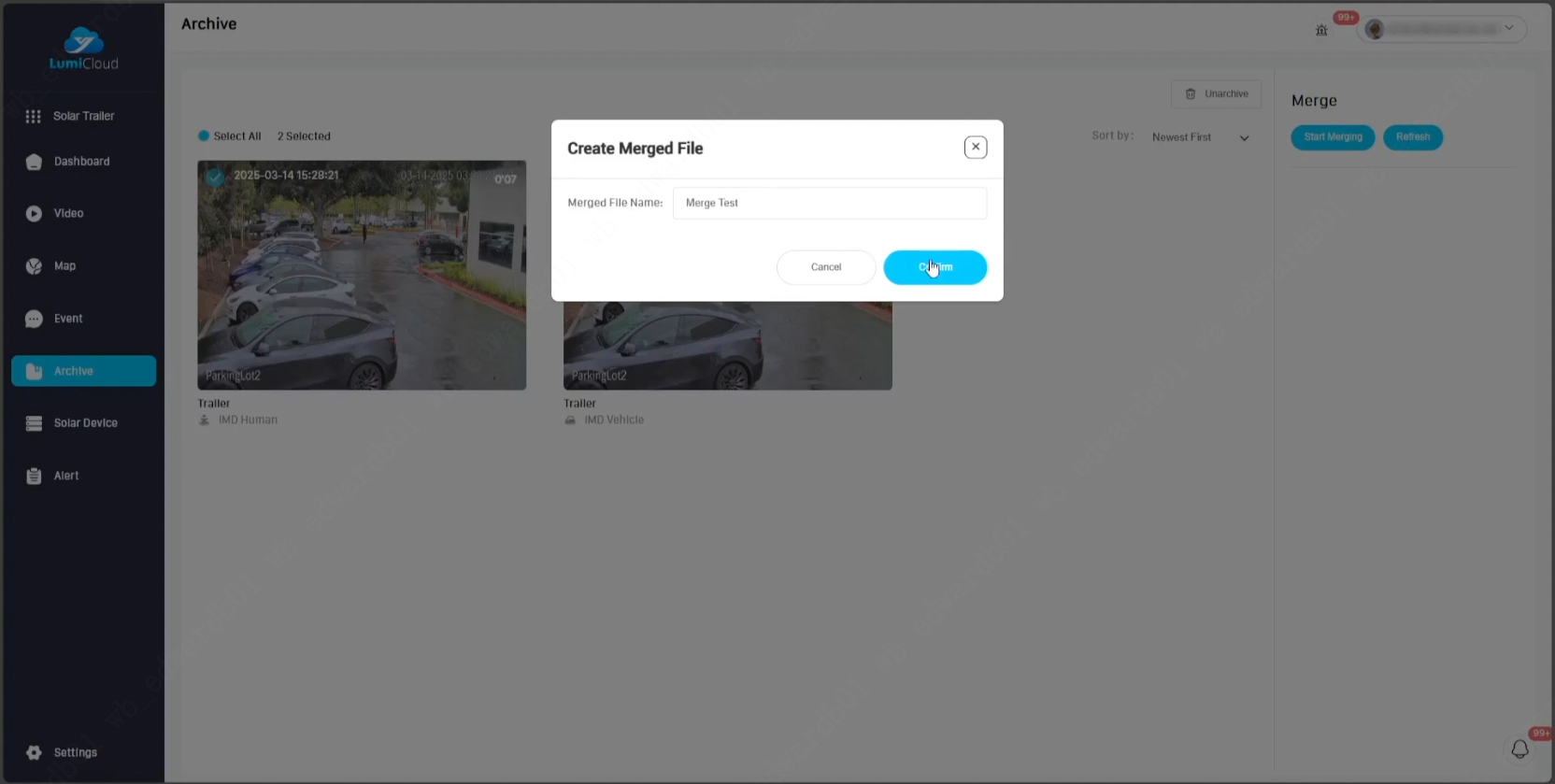
6. Enter a name for the merged files, then select Confirm.
7. After the merging process is complete, the merged file appears on the right side. Click the down arrow button next to the file to download it to the computer.