NVR/Adding Video Doorbell to NVR: Difference between revisions
From Luminys WIKI
Techsupport (talk | contribs) |
Techsupport (talk | contribs) |
||
| Line 7: | Line 7: | ||
===Prerequisites=== | ===Prerequisites=== | ||
* [https://wiki.luminyscorp.com/Video_doorbell setup | * [https://wiki.luminyscorp.com/Video_doorbell/Installation_Instruction Install the Doorbell] | ||
* [https://wiki.luminyscorp.com/Video_doorbell/Initial_Setup_Instructions Initial setup the Doorbell] | |||
* Access the WebUI of the NVR | |||
===Step by Step Instructions=== | ===Step by Step Instructions=== | ||
Revision as of 10:21, 22 June 2026

Adding Video Doorbell to NVR
Description
This tutorial will go over how to add Video Doorbell to the NVR.
Prerequisites
- Install the Doorbell
- Initial setup the Doorbell
- Access the WebUI of the NVR
Step by Step Instructions
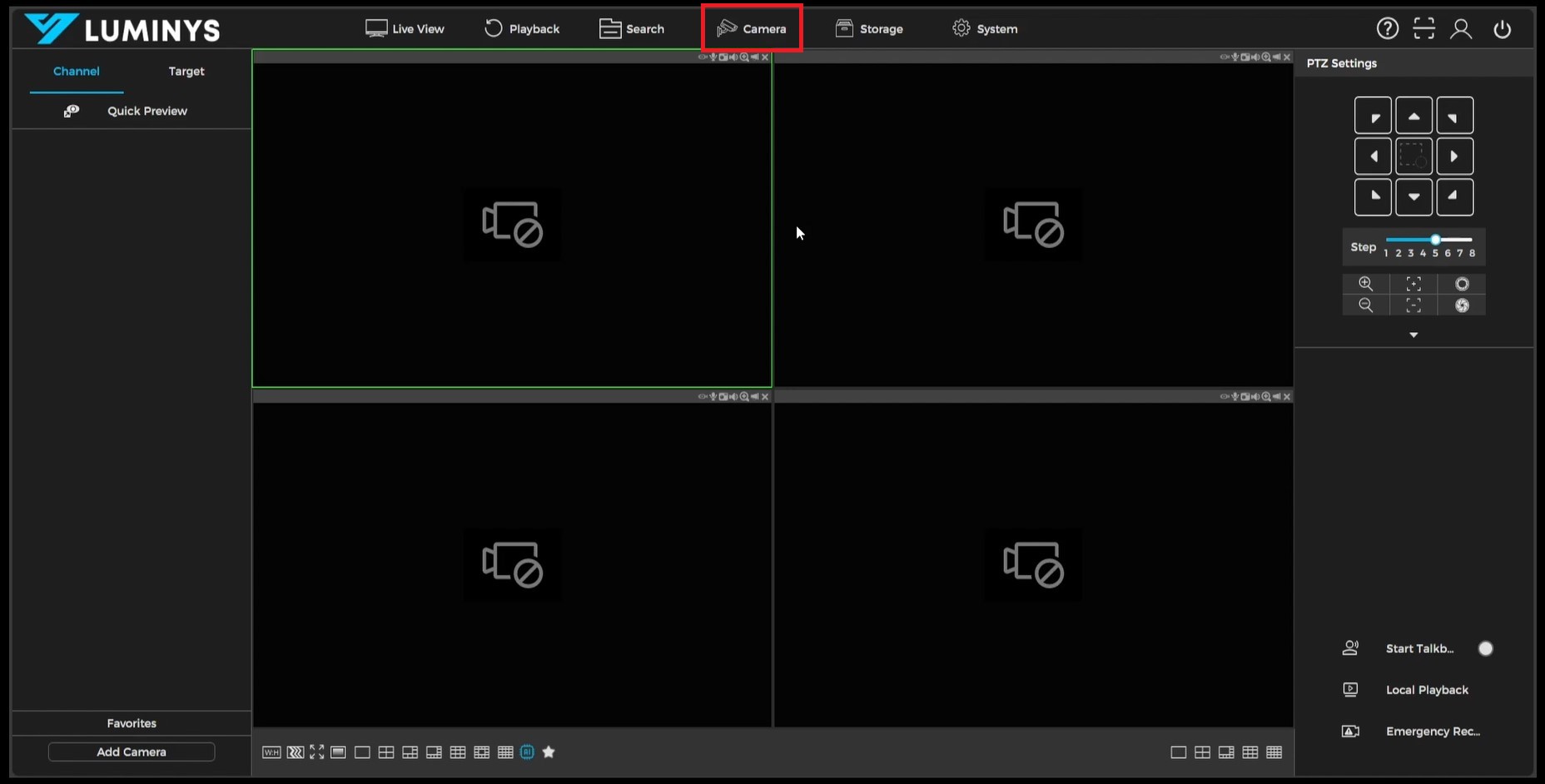
1. To begin, log into the Luminys NVR recorder. Once logged in, navigate to the **Camera** section located at the top of the interface.