LumiWatch/LumiWatch router first time configuration

LumiWatch router first time configuration
Description
This tutorial will walk you through the process of configuring the LumiWatch router for the first time.
Prerequisite
1. LumiWatch powered on and running.
2. 4G SIM card with an active data plan installed.
3. Computer network segment configured to 192.168.1.x
Step by Step Instructions
1. Open a web browser and navigate to https://iot.inhandnetworks.com/user/register, or click the link to open it directly.
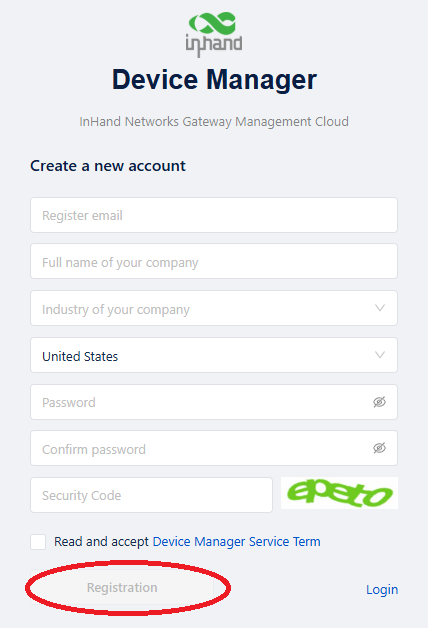
2. Fill out the information on the page, then click "Registration"
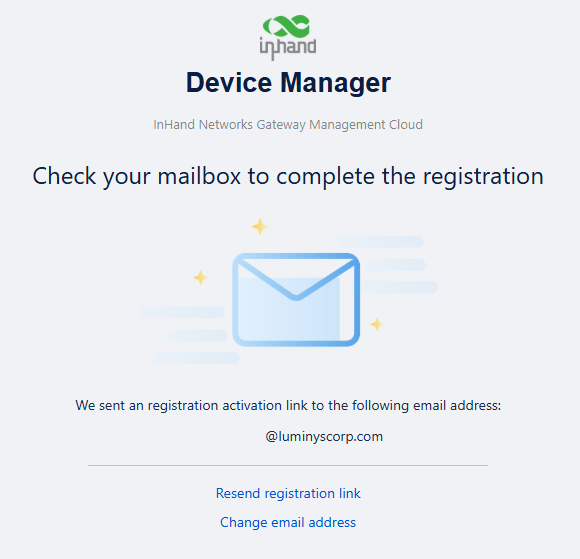
3. When you see this screen, check the inbox of the email address you used to register.
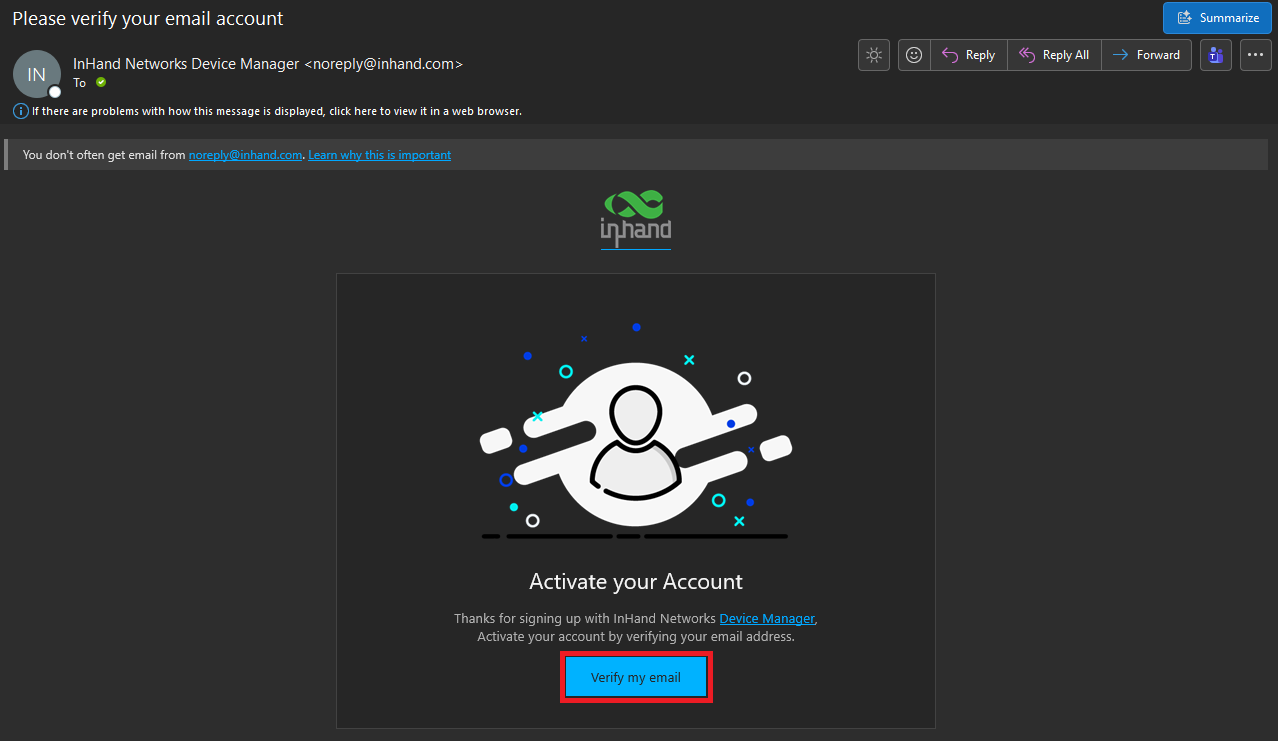
4. Look for an email titled “Please verify your email account” from “noreply@inhand.com” in your inbox. If you do not see it, check your Junk or Spam folder. Click "Verify my email"
5. Connect your laptop to the LumiWatch router via Ethernet cable.
Tip: Since the CAT cable provided with the LumiWatch is relatively short, it is recommended to use a coupler and an additional CAT cable. This allows the laptop to be positioned more comfortably during use.

