Video doorbell/Initial Setup Instructions
From Luminys WIKI

Description
This guide provides instructions for configuring your video doorbell for first-time use.
Prerequisites
- Installation instruction
- [1]
- Power on the doorbell and wait for the blue LED indicator to begin flashing.
- Download and open LumiViewer app
Step by Step Instructions
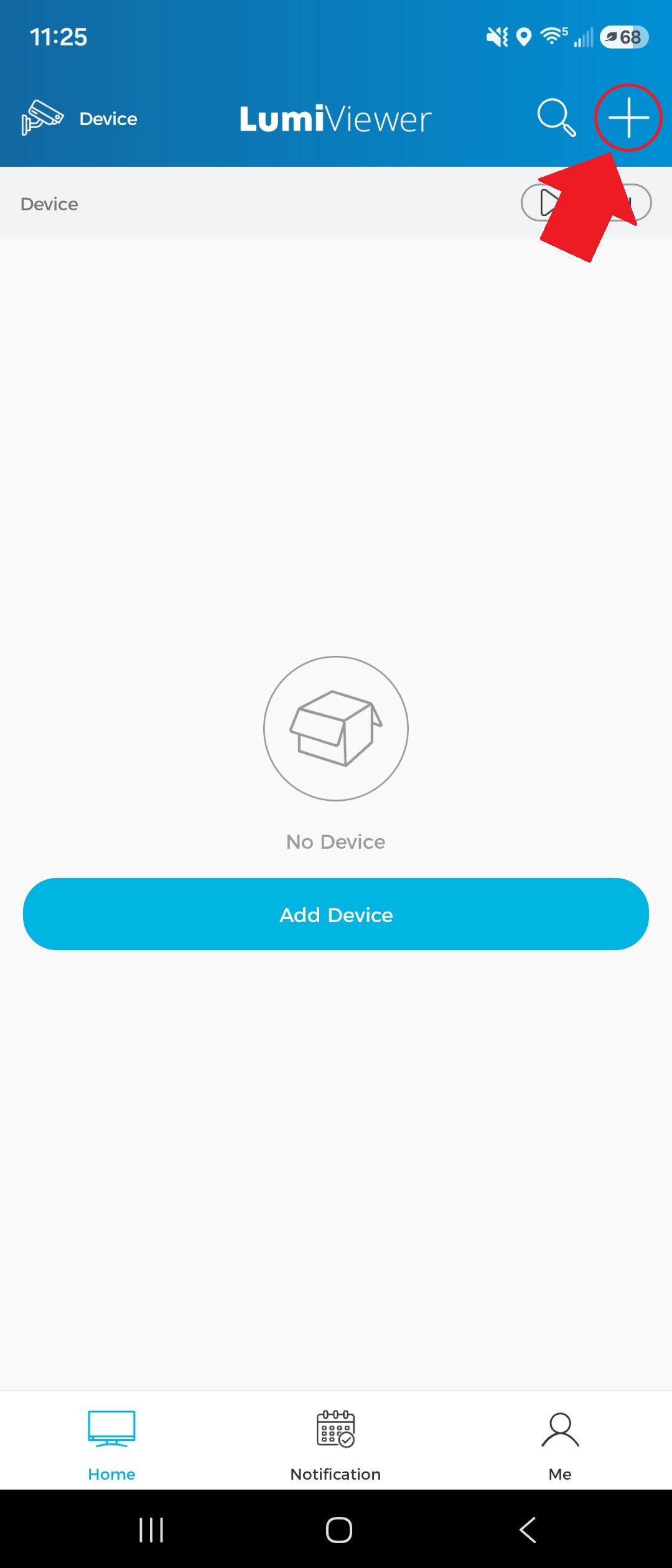
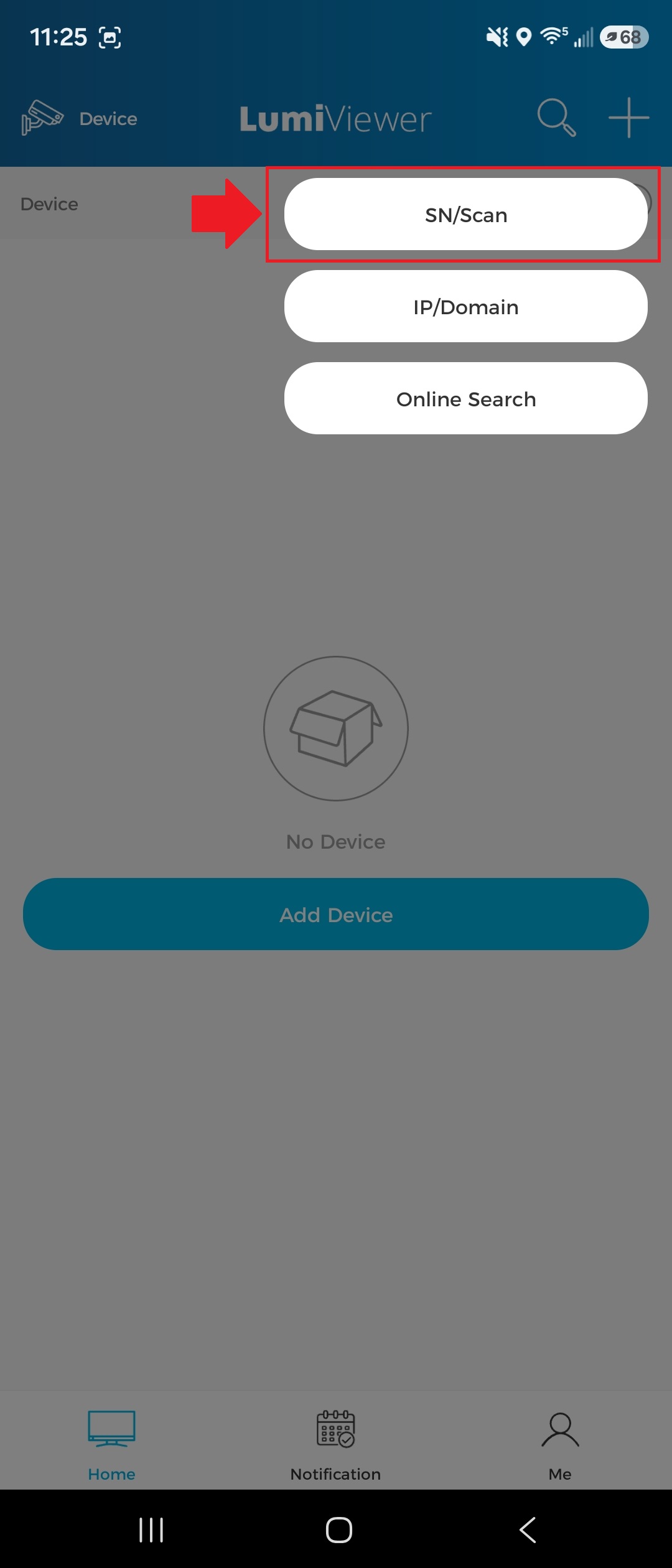
1. Tap the "+" icon in the top-right corner of the app, then select “SN/Scan.”