Video doorbell/Initial Setup Instructions
From Luminys WIKI

Description
This guide provides instructions for configuring your video doorbell for first-time use.
Prerequisites
- Installation instruction
- Register an account in LumiViewer
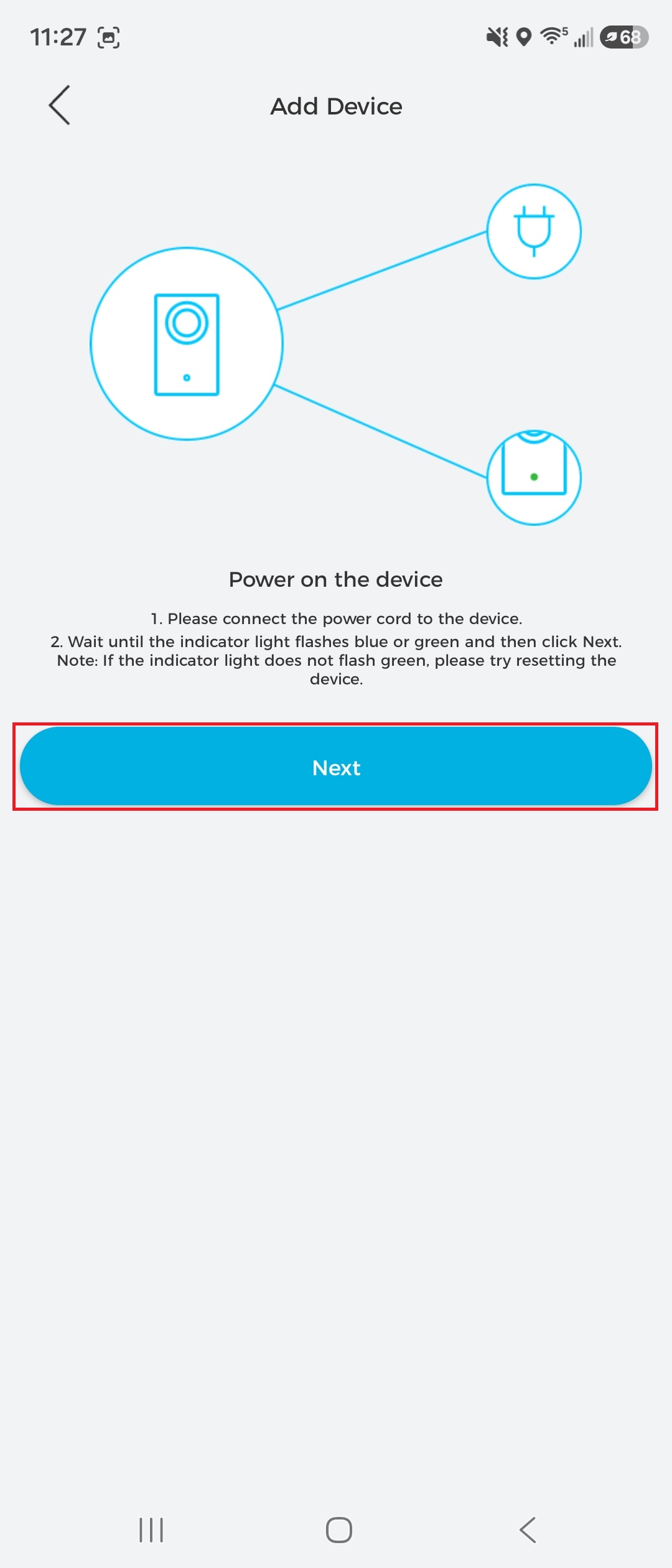
- Power on the doorbell and wait for the blue LED indicator to begin flashing.
- Download and open LumiViewer app
Step by Step Instructions
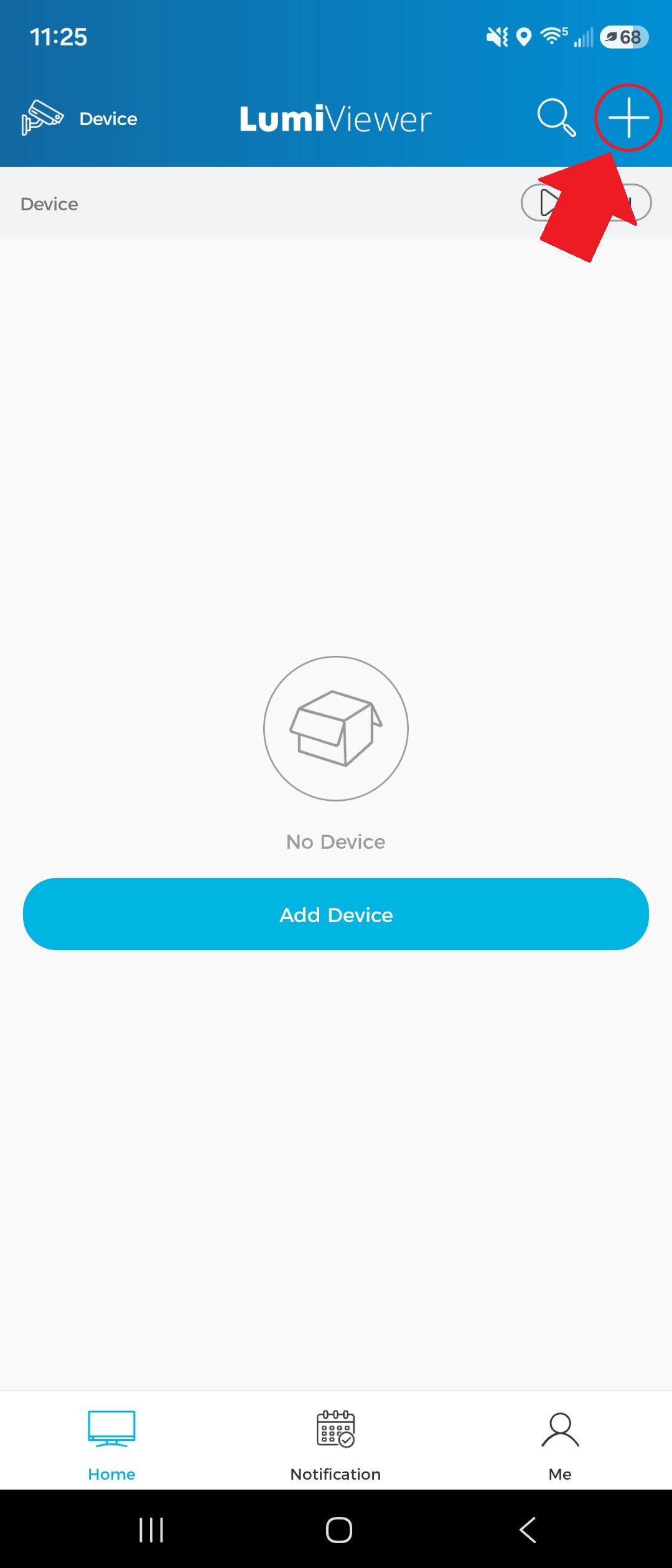
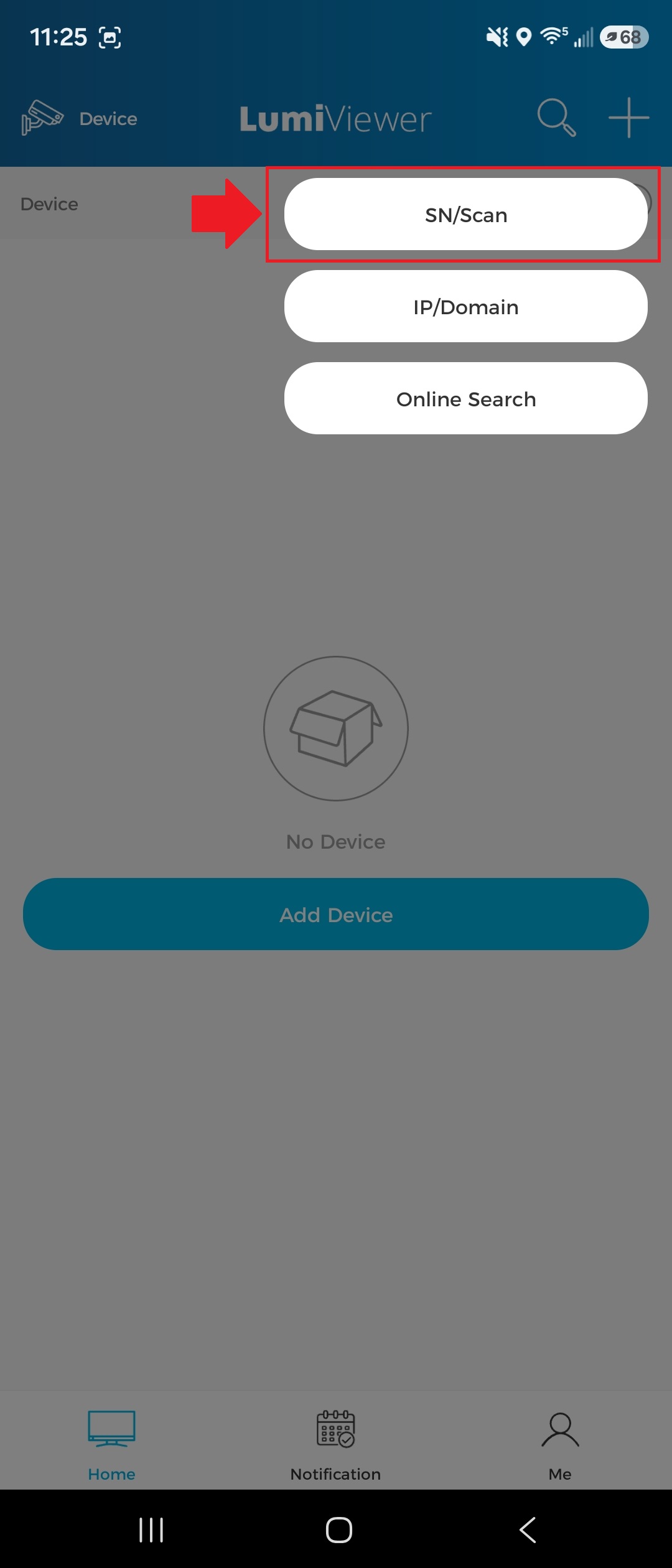
1. Tap the "+" icon in the top-right corner of the app, then select “SN/Scan.”
2. Scan the QR code on the product’s serial number (SN). Alternatively, tap the “Manual” button in the top-right corner to enter the SN manually.
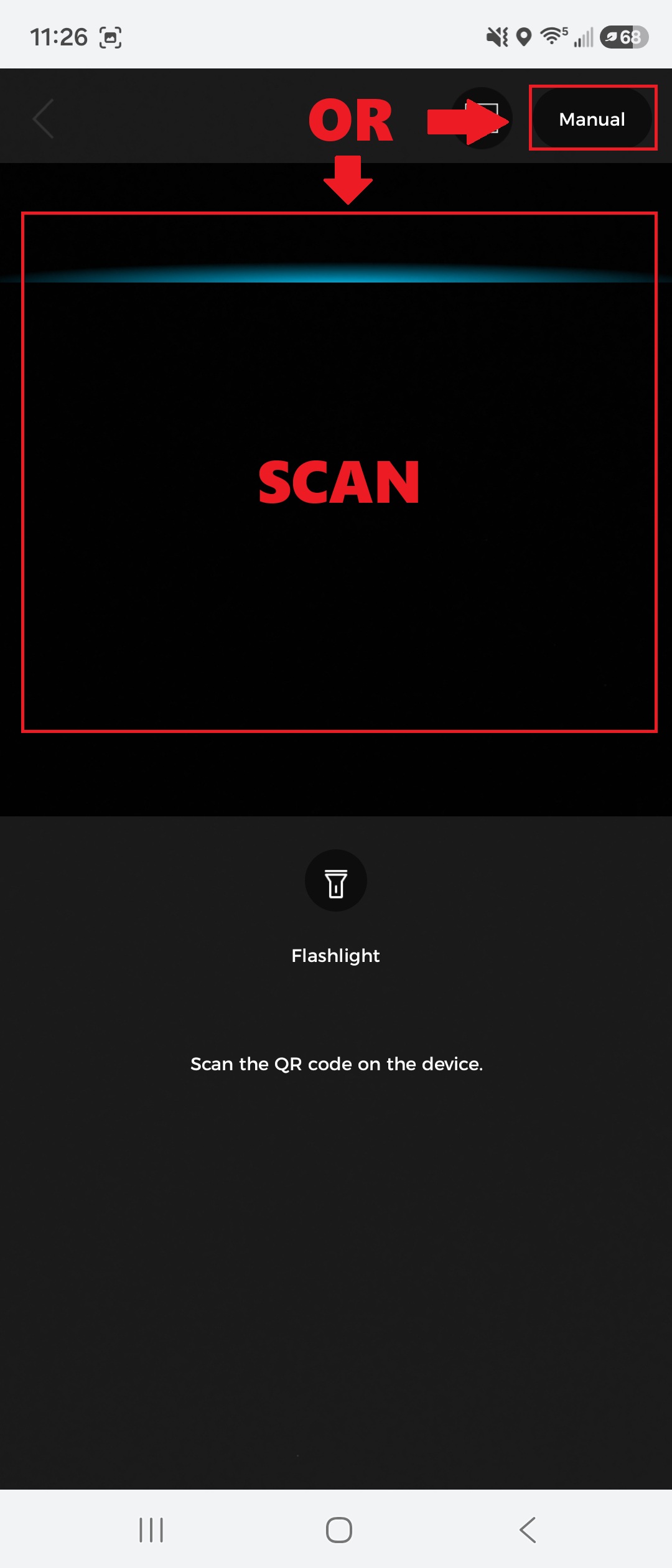
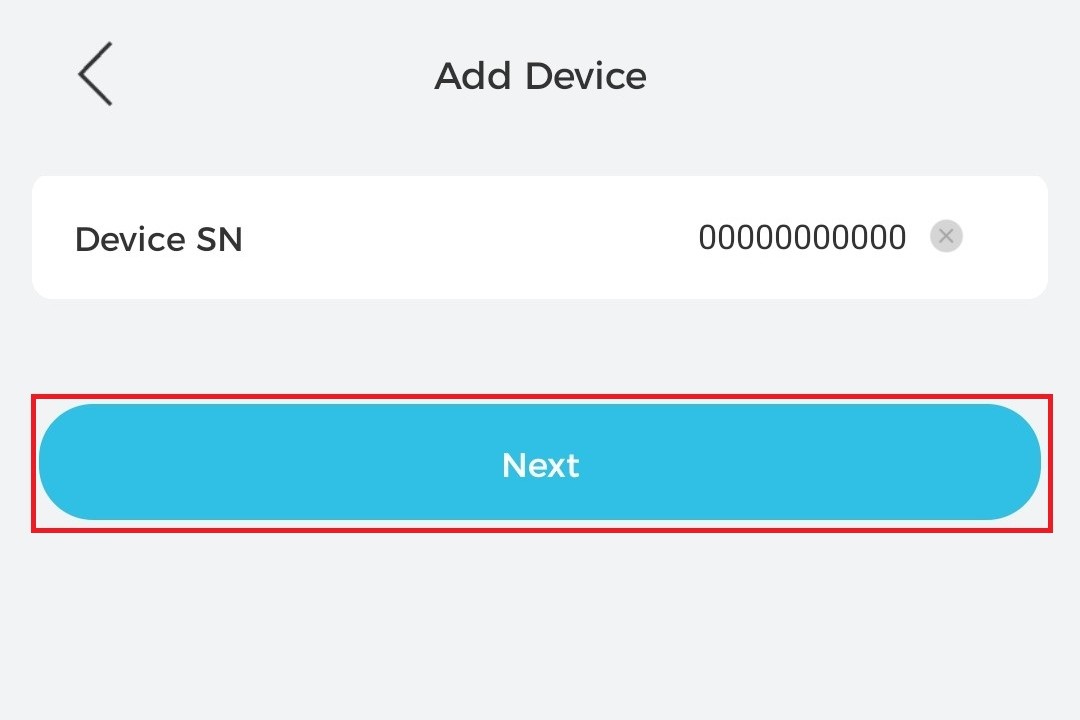
3. If you scanned the QR code in the previous step, tap “Next” to continue. If you selected “Manual,” enter the serial number (SN) and then tap “Next” to proceed.
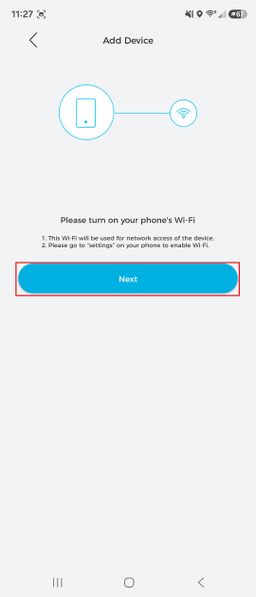
4. Follow the on-screen instructions, then tap “Next” to continue.