Video doorbell: Difference between revisions
From Luminys WIKI
Techsupport (talk | contribs) No edit summary |
Techsupport (talk | contribs) No edit summary |
||
| (2 intermediate revisions by the same user not shown) | |||
| Line 1: | Line 1: | ||
{{Header}} | |||
= <div class="center">Video Doorbell Kit Instructions</div> = | = <div class="center">Video Doorbell Kit Instructions</div> = | ||
| Line 10: | Line 10: | ||
|! style="text-align:left;"| This advanced video doorbell delivers crystal-clear 2K video with reliable day and night performance, ensuring you always see who is at your door. Powered by dual-band Wi-Fi 6 and Bluetooth, it provides fast, stable connectivity along with real-time video calling and automated responses. Intelligent AI detection accurately identifies humans and vehicles, reducing false alerts while improving overall security. With easy installation, adjustable viewing angles, optional 24/7 recording, and multi-layered data protection, it offers a complete and secure smart home solution. | |! style="text-align:left;"| This advanced video doorbell delivers crystal-clear 2K video with reliable day and night performance, ensuring you always see who is at your door. Powered by dual-band Wi-Fi 6 and Bluetooth, it provides fast, stable connectivity along with real-time video calling and automated responses. Intelligent AI detection accurately identifies humans and vehicles, reducing false alerts while improving overall security. With easy installation, adjustable viewing angles, optional 24/7 recording, and multi-layered data protection, it offers a complete and secure smart home solution. | ||
|} | |} | ||
=====Device Installation===== | =====Device Installation===== | ||
| Line 25: | Line 21: | ||
*[[Video_doorbell/Initial_Setup_Instructions | Initial Setup Instructions]] | *[[Video_doorbell/Initial_Setup_Instructions | Initial Setup Instructions]] | ||
*[[Video_doorbell/Chime_setup_instructions | Chime setup instructions]] | *[[Video_doorbell/Chime_setup_instructions | Chime setup instructions]] | ||
*[https://wiki.luminyscorp.com/NVR/Adding_Video_Doorbell_to_NVR Adding Video Doorbell to NVR] | |||
=====Package Contents===== | =====Package Contents===== | ||
| Line 56: | Line 53: | ||
|[[File:vdb_box_content_13.png|200px|link=]]|| Product Literature || 2 | |[[File:vdb_box_content_13.png|200px|link=]]|| Product Literature || 2 | ||
|} | |} | ||
Latest revision as of 07:15, 19 August 2026
☰ Navigation Menu ▾

Video Doorbell Kit Instructions
| Models | Description |
|---|---|
|
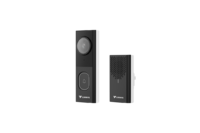
This advanced video doorbell delivers crystal-clear 2K video with reliable day and night performance, ensuring you always see who is at your door. Powered by dual-band Wi-Fi 6 and Bluetooth, it provides fast, stable connectivity along with real-time video calling and automated responses. Intelligent AI detection accurately identifies humans and vehicles, reducing false alerts while improving overall security. With easy installation, adjustable viewing angles, optional 24/7 recording, and multi-layered data protection, it offers a complete and secure smart home solution. |
Device Installation
- Installation Instruction
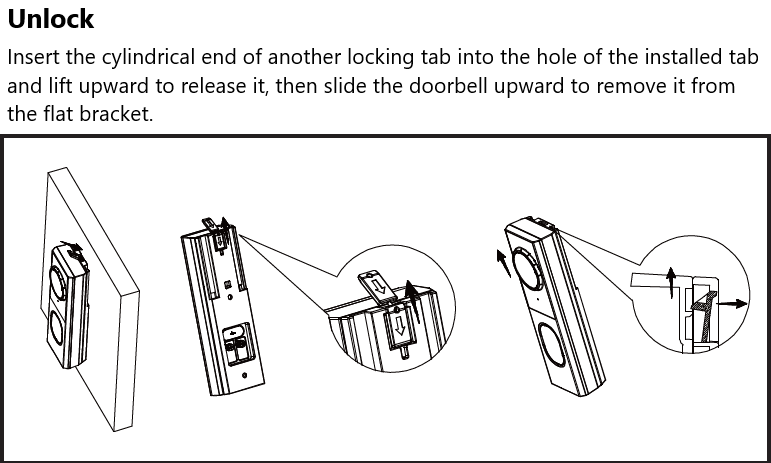
- Removal Instruction
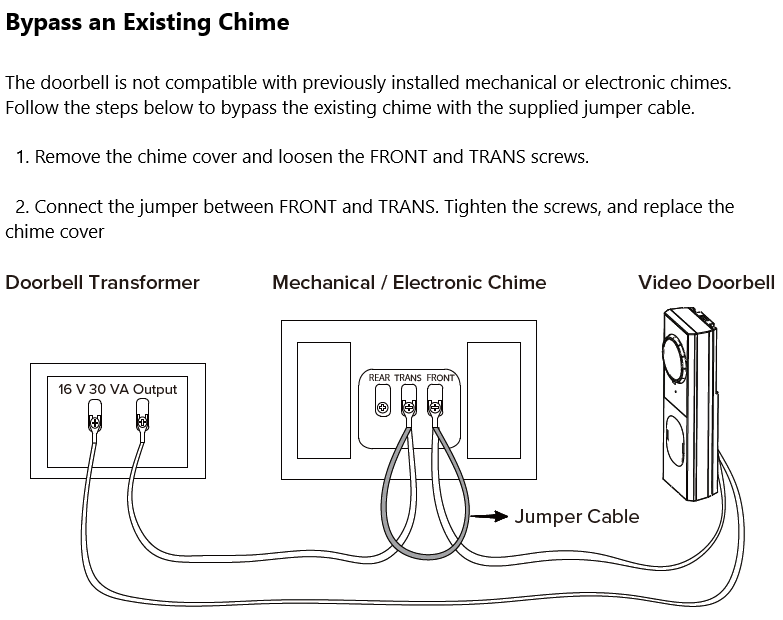
- Bypass an Existing Chime
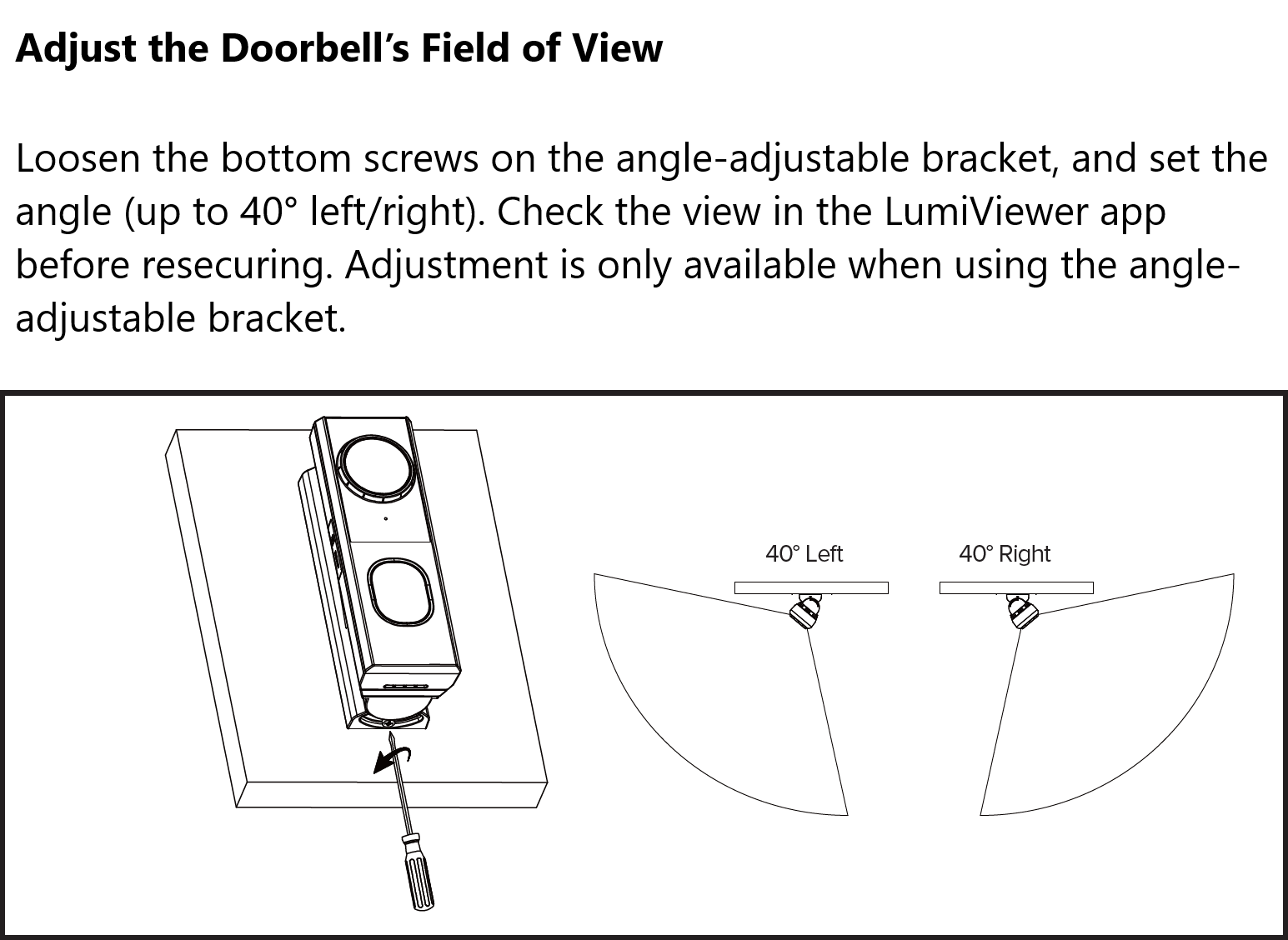
- Adjust the Doorbell's Field of View
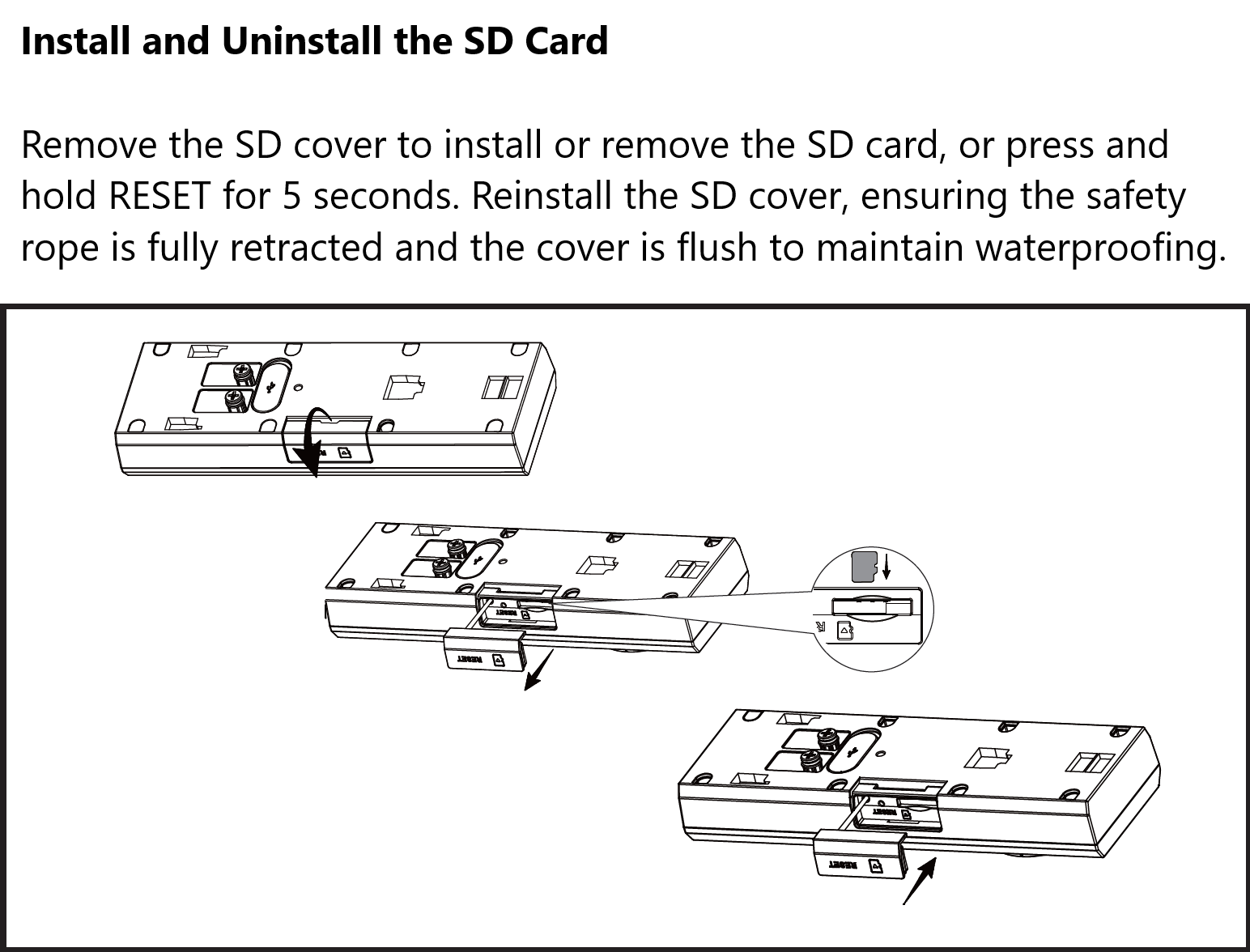
- Install and Uninstall the SD Card
Configuration
Package Contents
| Item | Description | Quantity |
|---|---|---|
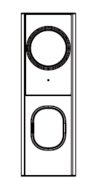 |
Video Doorbell | 1 |
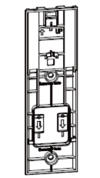 |
Flat Bracket With Two (2) Locking Tabs | 1 |
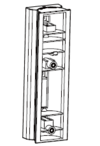 |
Angle-Adjustable Bracket | 1 |
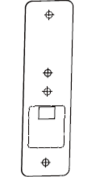 |
Mounting Template | 1 |
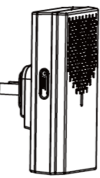 |
Wireless Chime | 1 |
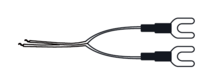 |
Extension Wire | 1 |
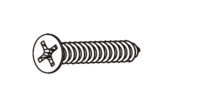 |
Phillips Head Screw (Flat Head) | 2 |
 |
Wire Nut | 3 |
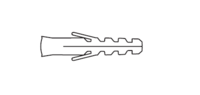 |
Wall Anchor | 2 |
 |
Phillips Head Screw (Round Head) | 2 |
 |
Jumper Cable | 1 |
 |
MicroSD Card | 1 |
 |
Product Literature | 2 |