LumiWatch/LumiWatch LumiViewer Setup
From Luminys WIKI
☰ Navigation Menu ▾

How to Set Up LumiWatch via LumiViewer
Description
This tutorial will go over how to set up LumiWatch via LumiViewer.
Prerequisites
- P54-4DB25, N5P-8DA2, N5T-8DAV
- LumiViewer installed on PC
Step by Step Instructions
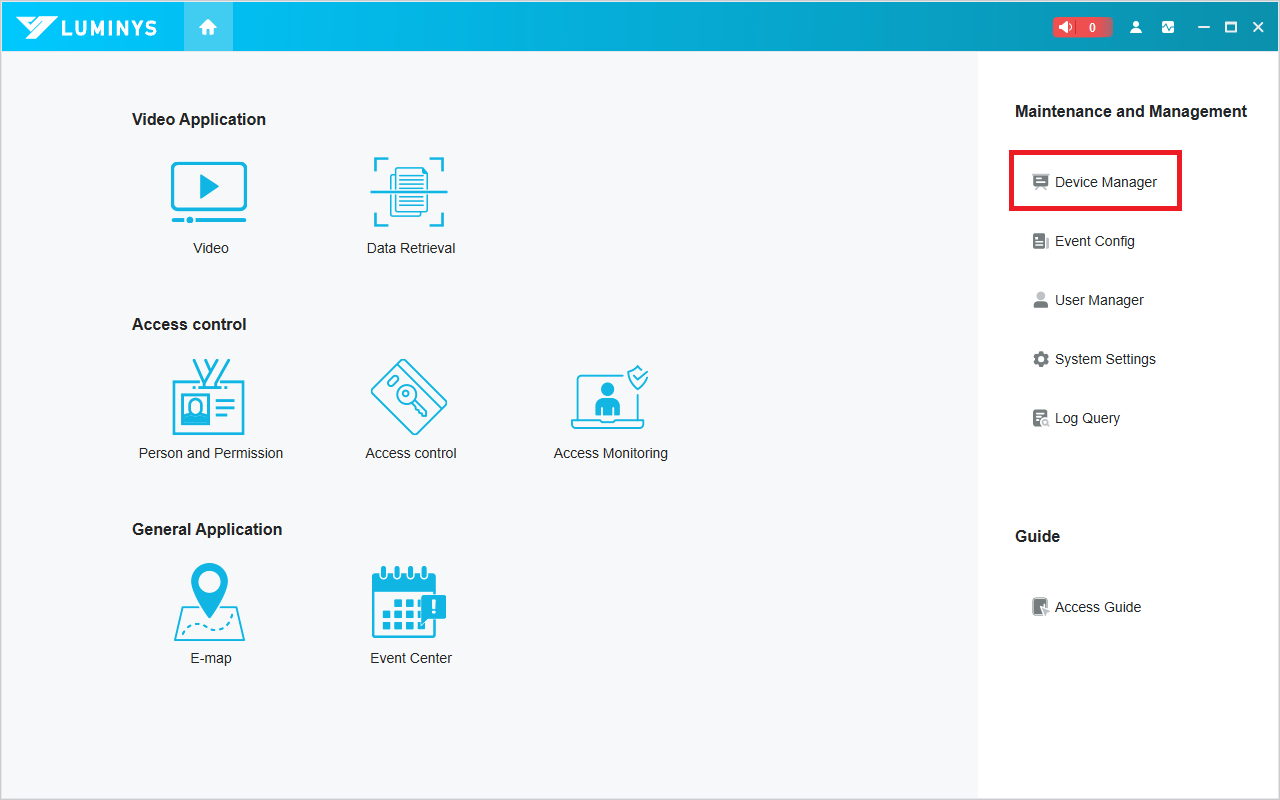
1. Open LumiViewer on your PC, then click "Device Manager"
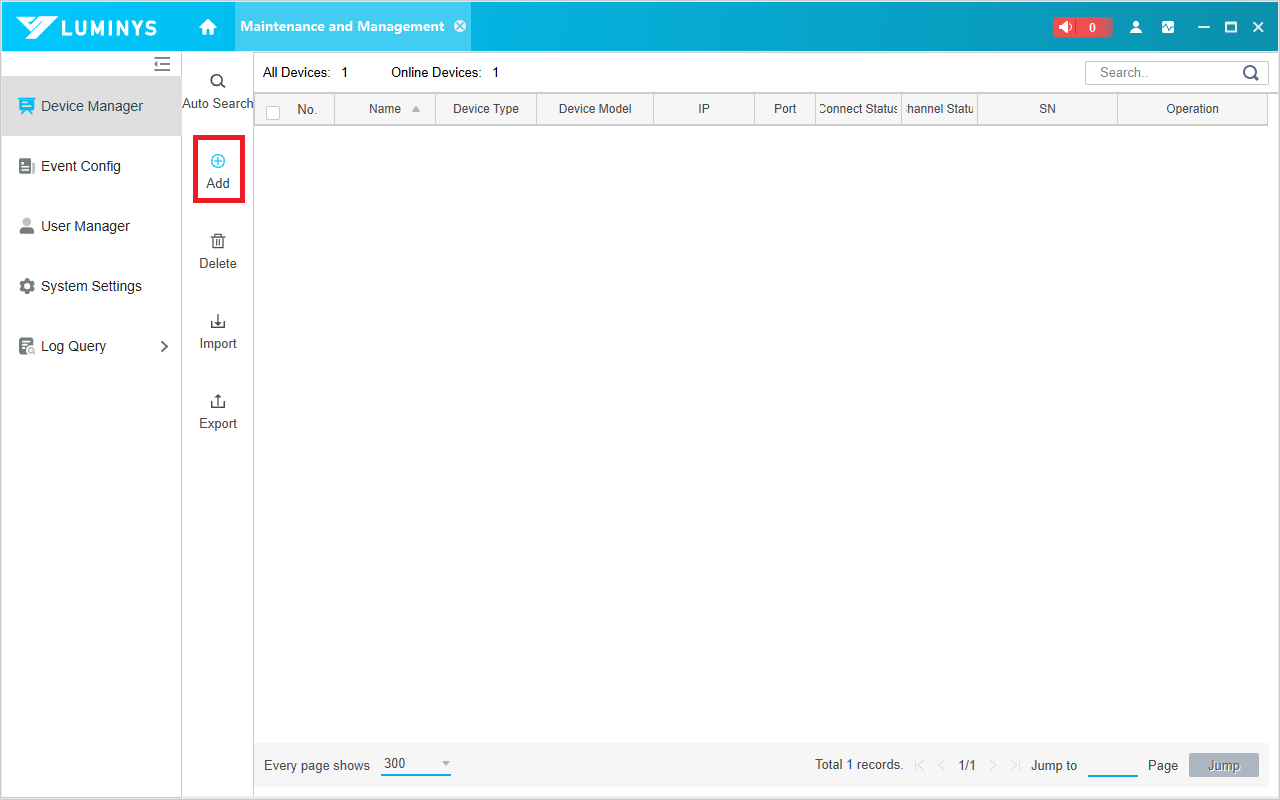
2. Click "Add"
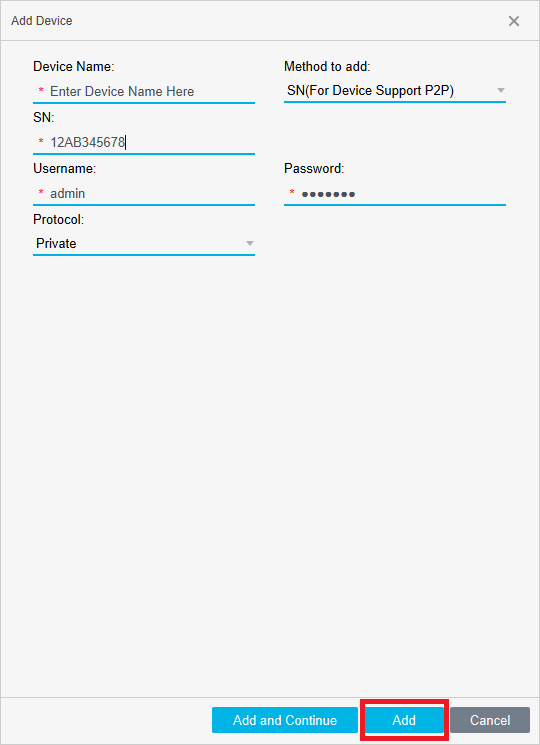
3. Fill out all the required information in the pop-up window, then click "Add."